
Substack Made Simple: The Complete Step-by-Step Guide to Help New Creators Succeed
A calm, beginner’s guide to Substack for writers and creators who want clarity, not complexity

If you’re a writer or creator starting out, or starting again, you’re probably hearing some version of this:
You need a blog.
You need a newsletter.
You need a bunch of subscribers.
You should start a podcast, OMG!
You should try video! It’s okay if you’re introverted!
You should build a following before your next release. (Duh.)

And suddenly, writing and creating feel secondary to managing tools, platforms, and algorithms, creating both procrastination, analysis paralysis, or just plain avoidance. ✋
💥 Gratitude to my exclusive advertising sponsor, the always-free Booklinker, and the paid tool, GeniusLink. I love both💥 (affiliate link).
Most writers and creators aren’t struggling because we lack ideas. We’re struggling because everything feels fragmented, urgent, and overly technical.
This is why I’ve become such a fan of Substack for writers and creators.
It’s okay if you’re not a fan or an expert. You may not have a Substack or even want one. If you do, I’m glad you’re here. The fact that you’re here, learning, or wanting to figure out all the buttons and whistles means you’re interested.
Let’s do it.
Substack: One Simple Home for Your Writing
Substack exists to reduce that fragmentation by bringing several tools together in one place:
• A blog
• An email newsletter
• A subscription system (free and/or paid)
• Audio (optional)
• Video (optional)
• A light social media layer.
When you publish on Substack, your work can live on a website and land directly in readers’ inboxes. You are not forced to choose between blogging, email, audio, or video. Substack handles the infrastructure so you can focus on the writing.
If traditional blogging feels technical or overwhelming, Substack is designed to feel human and manageable. True story: I started posting and building here in 2023 with 1800 free subs. Now I have over 11K subscribers (99% free).
How Substack Works (Big Picture)
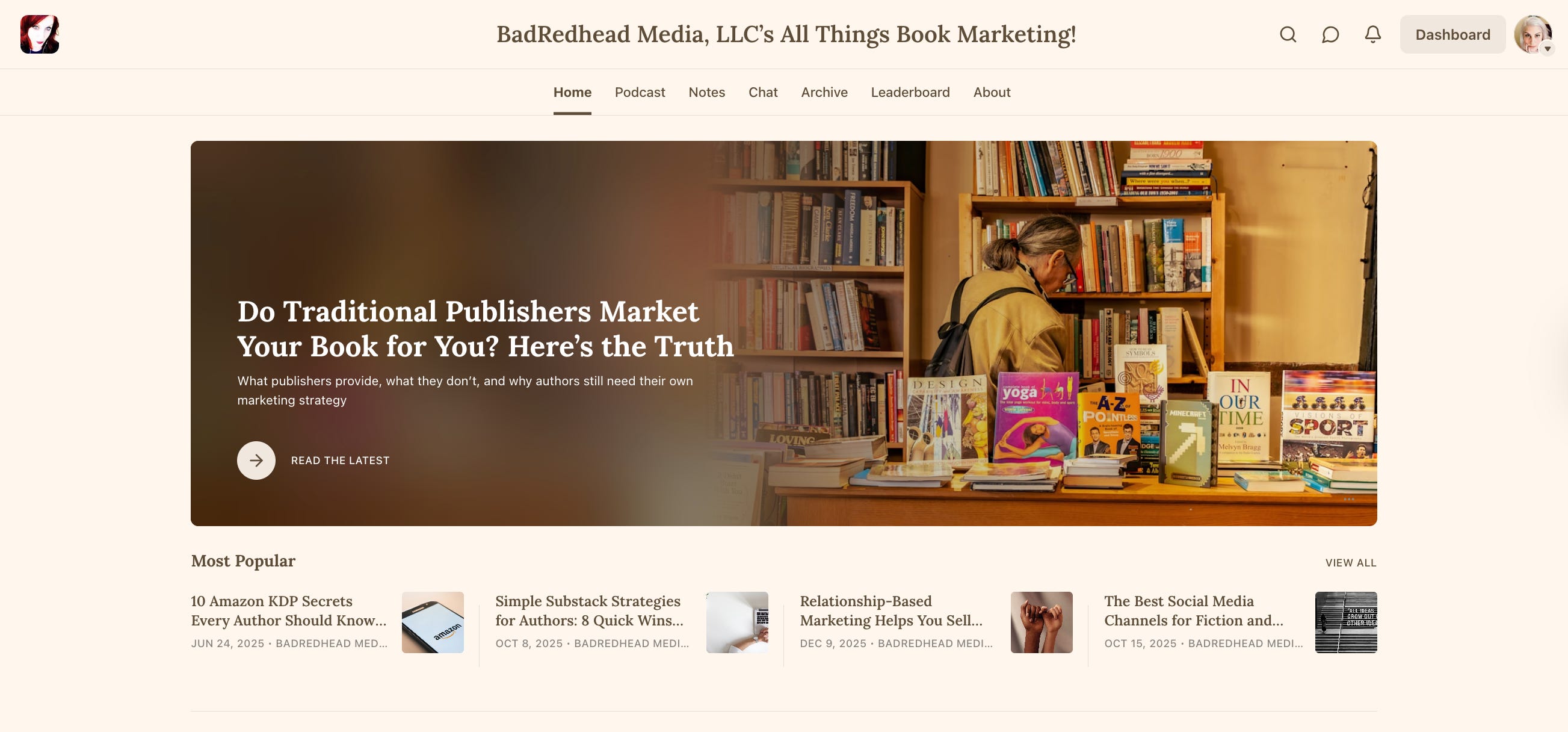
Substack is built around a publication. This is where we create posts, which you’re reading right now. Mine is titled Bad Redhead Media’s All Things Book Marketing.

A publication is simply your home base. It includes:
• Your homepage
• Your posts
• Your archive
• Your subscriber list
You can also add more tabs (e.g., Notes, Chat, or whatever else). People subscribe to you. Most will subscribe free. You can turn on paid subscriptions later, or never.
You write. Substack handles formatting, delivery, and email.*
*Note: Google and AI search index our posts. They do not see everything else (Notes, Chat, etc).
What to Name Your Substack
For writers and creators in general, I almost always recommend using your real name (or pen name); whatever name you use to write.
Why this solves a long-term problem:
• Readers connect to people, not brands
• Your name travels with your books
• You avoid rebranding later when you’ve written something else/different genre
• Your platform grows with you
Examples:
• Rachel Thompson
• Rachel Thompson Writes
• Rachel Thompson on Writing and Publishing
Exceptions: If you’re writing on one specific topic only (like Dayna Steele’s Today’s Facts), or if your Substack is clearly a business publication. In either case, a brand name makes sense, like mine is BadRedhead Media’s All Things Book Marketing.
If you are an author or creator of any kind, your name is not a liability; it’s the throughline. Readers want to know WIIFM (What’s In It For Me). I also like Simon K Jones takes.
Bottom line: If you’re not sure, use your name. Change it later if you want.
The Main Parts of Substack
1. Posts (Your Core Writing)
Posts are your long-form writing, like this post.
Use posts for:
• Essays
• Articles
• Blog posts
• Newsletters
• Book-related content
When you publish a post, Substack can:
• Publish it on the site
• Email it to subscribers (if you choose)
• Keep it permanently archived
If you only do one thing on Substack, do posts. Why? Google and AI Search index posts. This is important for your visibility. There is no word limit set by Substack; however, most email clients will cut off a post after bout 2500 words.
I also like Notes, but for a different reason entirely…more below.
Shareable Images (Automatic)
When you publish a post on Substack, it automatically generates shareable images in many sizes for social media.
This means:
• You get a clean preview image when you share your post link
• The headline and publication name are pulled in automatically
• You do not need to design graphics just to share your work
These images are used for:
• Social platforms
• Messaging apps
• Link previews
You can customize how your post appears when shared, but you do not have to. Substack handles the basics for you.
Official reference (link previews and social sharing):
2. Notes (Short, Social Media Updates)
Notes solve a different problem: visibility without pressure.
Use Notes for:
• Sharing links
• Quick thoughts
• Highlighting a post
• Casual interaction
Notes live in the Substack feed and help new readers discover you. They are not emailed by default. Notes are short-form posts published to your Substack profile and shared with subscribers in the Home feed. Notes do not go to subscribers unless you choose that option.
At this time, Notes are not indexed by Google and AI search, but posts are.
3. Chat (Optional Community Space)
Chat solves the “How do I talk to readers without another platform?” problem. Chats are for subscribers only. You can keep it free or turn on paid options.
Chat is an optional conversation space that feels more like a group text than a comment section. Again, chats don’t go out in email to subscribers.
You can turn it on later or skip it entirely.
4. Live Audio (and Video) Spaces on Substack
Substack offers live audio and video events through its Substack Live feature.
Substack Live lets you:
• Host live conversations and events
• Talk with subscribers in real time
• Record the session so people can replay it later
Think of it like a calmer, writer-friendly version of live audio rooms, built directly into your publication. If you’re familiar with Twitter Spaces or Clubhouse, you get the vibe.
Official Substack Announcement and Explanation
This is Substack’s own introduction to Live, explaining what it is and how it works. I’m also learning from Jim Fuhs!

Important Beginner Context (Don’t Panic)
You do not need to:
• Host live events
• Use audio or video
• Turn any of this on at all, unless you want to.
Live audio is optional. Many writers never use it. For others, it becomes a nice way to host readings, Q&As, or conversations without leaving Substack.
Official guide here. Audio helps accessibility and reader preference, not obligation.
Video
You can also publish video posts directly on Substack. Official guide here.
If audio or video feels like too much, writing alone is enough. I’m a writer, and I prefer writing. (I loved doing #BookMarketingChat audiospaces on Twitter, but now that it’s X, I stopped. Too many weirdos and glitches.) Maybe I’ll start that here. We’ll see.
5. Podcast: Importing an Existing Podcast into Substack
If you already have a podcast, Substack solves the “Do I have to rebuild everything?” problem.
You can import your existing podcast via RSS so that:
• Past episodes appear on your Substack
• New episodes publish automatically
• Listeners can also become readers
Official guide here. Substack becomes another home for your work, not a forced replacement.
Importing and Exporting Subscribers (Ownership Matters)
Importing Subscribers
If you already have an email list, you can import it into Substack. Free.
Official guide here. You control who gets emails and when. If you’re an author with at least one book out, Booksweeps is an excellent growth option (not a paid mention - I just like the service).
Read this for more, where I share specifically how I grow:

Exporting Subscribers
You can also export your subscriber list at any time.
Official guide here. This solves the fear of being locked into a platform. You can leave anytime and take all your subscribers with you.
How to Set Up Your Substack (Step by Step)
Create an account - https://substack.com/get-started
Name it (use your name + author/writer/artist etc., unless it’s a business)
Write your first post

A first post can simply say:
• What you will write about
• Who it is for
• Why you’re here
That’s enough to begin. Tip: Everything is editable. Don’t strive for perfection; strive for starting.
Frequently Asked Questions
Q: Do I need to post every day or week?
A: No, consistency matters more than frequency; however, if you post less often, you’ll be less visible. Trade-off.
Q: Do I need paid subscriptions?
A: No. Free Substacks can be highly successful, particularly for visibility.
Q: Is email still worth it?
A: Yes. Email remains one of the most reliable ways to reach readers.
Q: Can I leave Substack later?
A: Yes. You can export everything. Your list is yours. Do what you will.
How Much Does Substack Cost?
Substack is free to use.
You can:
• Create a publication
• Publish posts
• Send emails
• Build a subscriber list
• Use Notes and Chat
• Add audio and video
• Import and export subscribers
Costs $0.
There is no monthly fee and no setup cost. An added benefit: you don’t have to give a personal mailing address, as you do on other newsletter sites.
When Does Substack Take a Cut?
Substack only makes money if you choose to charge for subscriptions.
If you turn on paid subscriptions, Substack takes 10% of paid subscription revenue. Payment processing (via Stripe) takes an additional fee (for U.S. cards, typically 2.9% + $0.30 per charge - remember these charges are a tax write-off. Talk to your tax pro.) You keep the rest
If you never turn on paid subscriptions, you never pay Substack or Stripe anything.
What This Means in Real Life
If you are:
• Just starting out
• Testing the platform
• Writing for visibility
• Building an email list
• Marketing a book
You can do all of that free, indefinitely. There is no “gotcha” where Substack suddenly charges you later.
A Reassuring Bottom Line
You do not have to commit money, commit to paid content, or even make any long-term decisions. Everything is editable. You can start writing first and decide everything else later.
What You Do Not Need to Worry About Yet
You do not need:
• A perfect niche
• Paid subscribers (though lovely)
• Branding assets
• A large following
You need one place to write and a reason to keep showing up.
A Gentle Ask
🌻 If this helped you understand Substack in a way that felt calm rather than overwhelming, consider subscribing or sharing with one writer friend who feels stuck before they even start.
This pub is free, and paid subs are always appreciated!
Thank you, Rachel.
I spent several hours navigating an unforgiving set-up process on Friday 13th last week on the recommendation of a friend and fellow Stacker (if that is not the word for a member of this site, perhaps it should be 😄).
Your accessible, supportive and clear introduction was genuinely helpful to one who is ignorant of this place, but bright enough to catch on fairly quickly.
I’ve subscribed to your Stack (again, unclear about jargon and nomenclature here) as I have a book at completed first draft stage that I am planning to release this year; I suspect we have at least one, perhaps many more conversations ahead.
Thanks again, Rachel - you are a mensch.
Best 'intro' to Substack I've read so far!